A Private Car Maintenance Log That Needs No Account
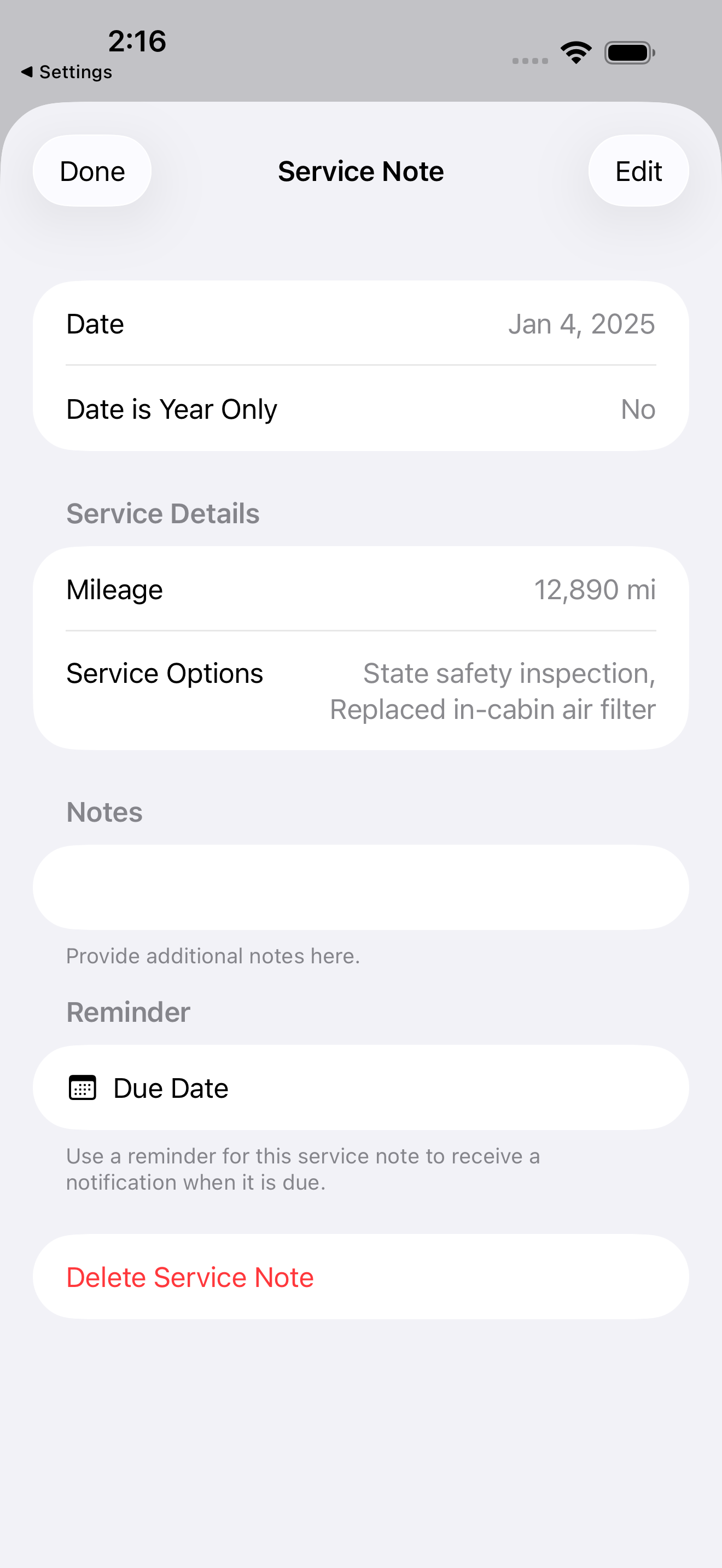
If you want to track your auto’s maintenance without creating an account or letting a company hold your records, you store the log in your own iCloud. Auto Care Plus does exactly that. There is no sign up, no separate login, and no Auto Care Plus server holding your service history. Your data lives in your iCloud account, on your devices.
Most maintenance apps work the other way. You create an account, the app stores your records on its servers, and your data becomes part of someone else’s database. For a lot of people that is fine. For anyone who would rather not hand over their vehicle history, mileage, and service dates to a third party, it is a real downside.
Why “no account” actually matters
When an app requires an account, three things follow. Your records sit on a company’s servers, not yours. The company can see, analyze, or lose that data. And if the app shuts down or changes its terms, your history can go with it.
A log stored in your own iCloud avoids all of that. There is nothing to sign up for, nothing for a company to leak, and nothing tied to your name on an outside server. You open the app and start logging.
How Auto Care Plus handles it
Auto Care Plus is built for Apple devices and uses iCloud through CloudKit, which is Apple’s own sync system. Here is what that means in plain terms:
- No account to create. You do not register, pick a password, or verify an email. The app uses the iCloud you already have.
- Your data stays in your iCloud. Service notes, mileage, reminders, and auto details are stored in your private iCloud database, not on a Moonwink server.
- It is not linked to you. Your records are not tied to your identity in any outside system, and the app does not collect or sell your data.
- It still syncs everywhere. Because it uses iCloud, your log shows up automatically on your iPhone and iPad. Add a service on one, see it on the other.
So you get the convenience of sync without the usual trade of handing your history to a company. If you want the longer reasoning on the sync side, I wrote about that in Why iCloud Sync Matters for a Maintenance Tracker.
What you can keep in the log
A good maintenance log is more than oil changes. With Auto Care Plus you can track:
- Oil and filter changes, tire rotations, brake work, and any other service
- Date, mileage, and notes for every entry
- Reminders for upcoming maintenance, and dated auto events synced to your Apple Calendar
- Multiple autos across separate garages, with no limit
- Open safety recalls, checked against the NHTSA database from inside the app
For more on the day to day of setting this up, see How to Track Your Car Maintenance on iPhone.
Your data stays portable
Owning your data only counts if you can actually move it. Auto Care Plus lets you export your full history to a file, import it back, and keep your own backup outside iCloud if you want one. That same export is what you hand a buyer when you sell, which I cover in What Maintenance Records Do I Need to Sell a Car?. And if you ever decide to walk away, you can remove all of your data from the app in one step. Nothing is held hostage, because there is no company server holding it in the first place.
There is also a safety net you do not have to think about. The app creates a backup snapshot automatically each time it cold starts, so you build up a trail of restore points as you use it. It keeps the most recent 20 and clears out the older ones, which means if something ever goes wrong you can roll back to an earlier snapshot without ever having remembered to back up by hand.
What it costs
Auto Care Plus comes with a 30 day free trial on a subscription, then a plan that fits how you want to pay: $1.99 a month or $7.99 a year. There is also lifetime access for $24.99, a one time purchase with no free trial, so you pay once and the app is yours for good. Every plan includes the iCloud sync described above. There is no separate charge for keeping your data private, because that is just how the app is built.
The takeaway
If the thing holding you back from a maintenance app is the account and the data collection, this removes both. Your auto history is yours, it stays in your iCloud, and it follows you across your Apple devices without a company in the middle. If you are weighing this against the biggest app in the category, I laid the two arrangements side by side in A Private Alternative to CARFAX Car Care for Logging Car Maintenance.
Download Auto Care Plus on the App Store
