How to Decode a VIN Number on Your iPhone
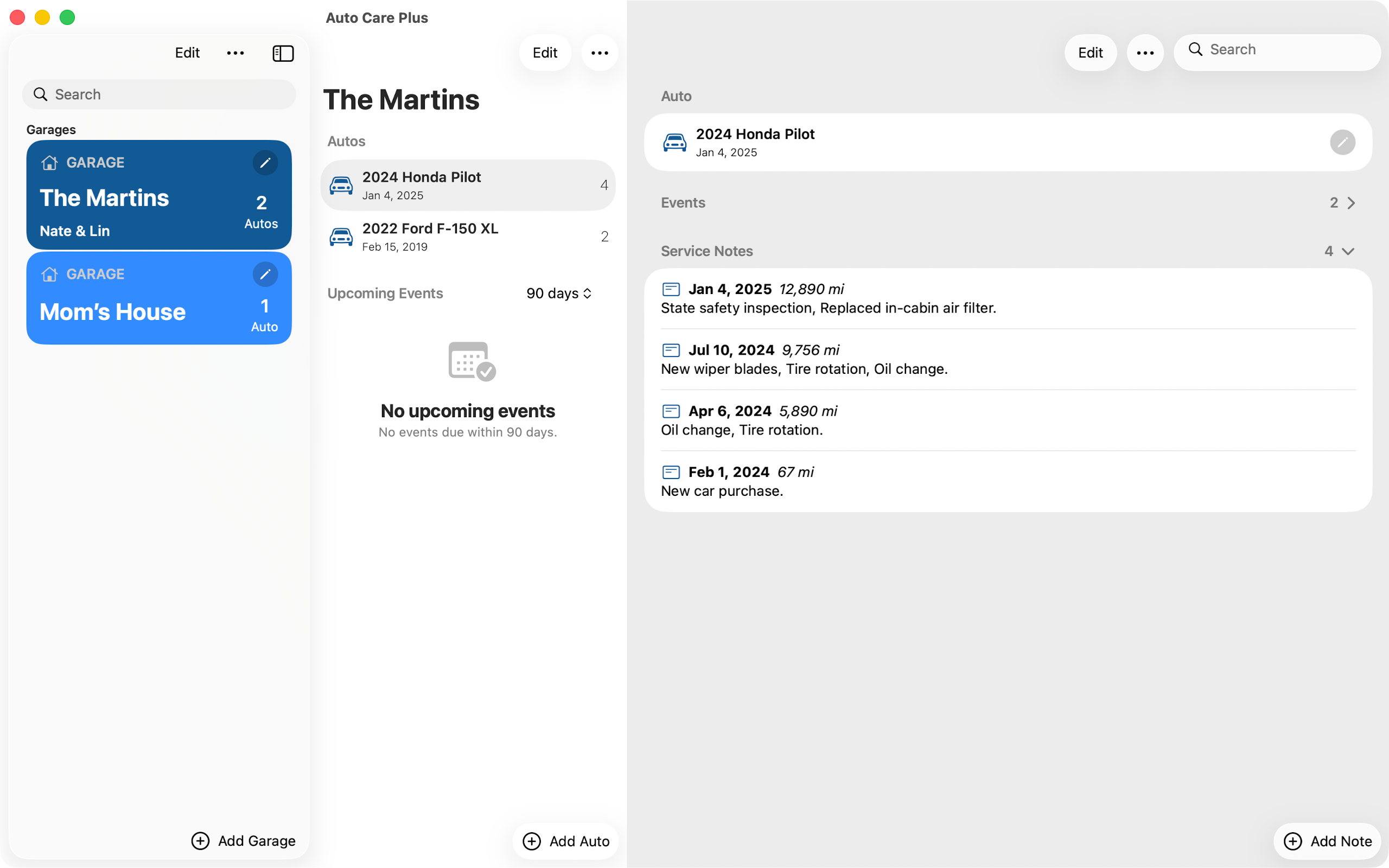
To decode a VIN number on your iPhone, type or paste the 17 characters into a VIN decoder and it reads back what the factory actually built: the year, the make, the model, the series, and the trim. You do not need to buy a history report to do it, and you do not need to own the auto. Auto Care Plus added a VIN Lookup screen in version 1.7.0, released on August 15, 2026, and it decodes any VIN you hand it without adding that auto to your garage.
The reason this is worth knowing is the moment you are usually in when you need it. You are standing next to a used auto in somebody’s driveway, and the seller is telling you it is the loaded one with the tow package. The window sticker went in the bin nine years ago. The listing says whatever the listing says. The VIN stamped at the base of the windshield is the one description of that auto that nobody wrote in order to sell it.
Where to find the VIN
There are four places, and at least two of them are on any auto you are looking at:
- The base of the windshield, driver side. Stand outside and look down through the glass. This is the one you can read without asking permission.
- The driver door jamb, on a sticker or a small plate. Open the door and look at the edge of the frame.
- The registration and the insurance card. Both carry it, which is the easy route for an auto you already own.
- The title.
It is 17 characters, letters and digits mixed. The letters I, O, and Q are never used, so anything that looks like one of those is a 1 or a 0.
What the 17 characters actually say
A VIN is not a serial number with a lot of padding. Every position is doing a job:
- 1 to 3, the world manufacturer identifier. Country and maker.
- 4 to 8, the descriptor. Body style, engine, restraint system, and other details the manufacturer chose to encode here. This is the part that separates a base model from the one with the bigger engine.
- 9, the check digit. A calculated character that catches a mistyped VIN. If you fat finger a digit, a decoder can tell.
- 10, the model year. One character, running on a repeating table, which is why a 1995 and a 2025 auto can share it.
- 11, the assembly plant.
- 12 to 17, the sequence. The individual auto coming off that line.
One limit worth knowing before you try it: the standard 17 character VIN starts with model year 1981. Anything older follows whatever scheme its maker used at the time and will not decode cleanly.
How to decode a VIN on your iPhone
In Auto Care Plus there are three ways in, and which one you want depends on whether the auto is yours.
- VIN Lookup, for an auto you do not own. It sits in the garage menu. Type or paste a VIN, read the result, and nothing gets saved to your garage. This is the one for the lot, the listing, or the auto a friend is asking you about.
- Adding an auto, which now starts with the VIN. Enter it once and the year, make, model, series, and trim come back filled in, with a chance to check the result before anything is saved. Entering the details by hand is still one tap away if you would rather. This replaced the worst screen in the app, which was four lists deep before you had logged a single oil change.
- Ask for it. Decode a VIN is one of the actions the app publishes to Siri, Spotlight, and Shortcuts, so you can get an answer without opening anything. That whole set is covered in How to Log Car Maintenance With Siri on Your iPhone.
Typing 17 characters correctly on a phone, standing in a parking lot, is the part everyone gets wrong. Read it in groups of four, and check the result against what you are looking at before you trust it. If the decode comes back as a different body style than the auto in front of you, you mistyped it or you are reading the wrong VIN.
What a decoded VIN will not tell you
This is the part most VIN pages leave out, and it matters more than the part they do explain. A decode reads the number itself. It describes the auto that left the factory. It knows nothing about what happened afterward.
So it will not tell you:
- Who owned it, or how many people did.
- Whether it has been in an accident, or carries flood or salvage damage.
- What the odometer has read over time, or whether it has been rolled back.
- Whether the title is branded.
- What has ever been serviced on it.
All of that lives in a vehicle history report, which is a different product built from records that companies and states report over the years, not from the number stamped on the glass. If you are buying, you want both, and they answer different questions. The trade offs of handing your own service records to a company that sells those reports are in A Private Alternative to CARFAX Car Care for Logging Car Maintenance.
The one other check to run on the same VIN
While you have the number in your hand, run it against the recall database. Open safety recalls are searchable by VIN at no charge, the repair itself is done at no charge, and roughly one in four autos on the road has an unrepaired one. Recall notices go to the registered owner of record, which is exactly why a used auto buyer never got the letter. The steps are in How to Check If Your Car Has an Open Recall on Your iPhone, and the same VIN you just decoded is the one you need.
Two checks, one number, about ninety seconds. That is a better return than most of what happens during a test drive.
After you buy, the VIN is the start of the record
Decoding is a one time answer. What it sets up is longer. Once the auto is in the garage with the year, make, model, series, and trim already correct, everything you log after that hangs off it: the dated service notes, the mileage, the reminders for what comes next. Starting from an accurate description means you are not guessing about your own auto a year later. Setting that up from scratch is covered in How to Track Your Car Maintenance on iPhone, and if there is more than one auto in the driveway, How to Keep Maintenance Records for Multiple Cars on Your iPhone.
It also pays off at the other end of ownership. The buyer after you will decode the same VIN and get the same factory description. What they cannot get from the number is the run of dated service entries proving the work was done, which is the thing that moves the price. That argument is in What Maintenance Records Do I Need to Sell a Car?.
Wherever you decode a VIN in this app, the result and anything you save from it stays in your own iCloud through CloudKit rather than on a Moonwink server, and there is still no account to create. That side of it is in A Private Car Maintenance Log That Needs No Account.
What it costs
Auto Care Plus comes with a 30 day free trial, then $1.99 a month or $7.99 a year. Lifetime access is $24.99, a one time purchase with no trial. VIN Lookup, recall checks, reminders, export, and unlimited autos are included on every plan.
The takeaway
The VIN is the only description of an auto that was not written by somebody trying to sell it to you. Decoding it takes seconds and settles what the factory actually built, which is worth doing before the money moves and worth doing again when you set up your own record. Just do not mistake it for a history report. The number knows what left the plant, not what happened on the road afterward.
Download Auto Care Plus on the App Store
