How to Log Car Maintenance With Siri on Your iPhone
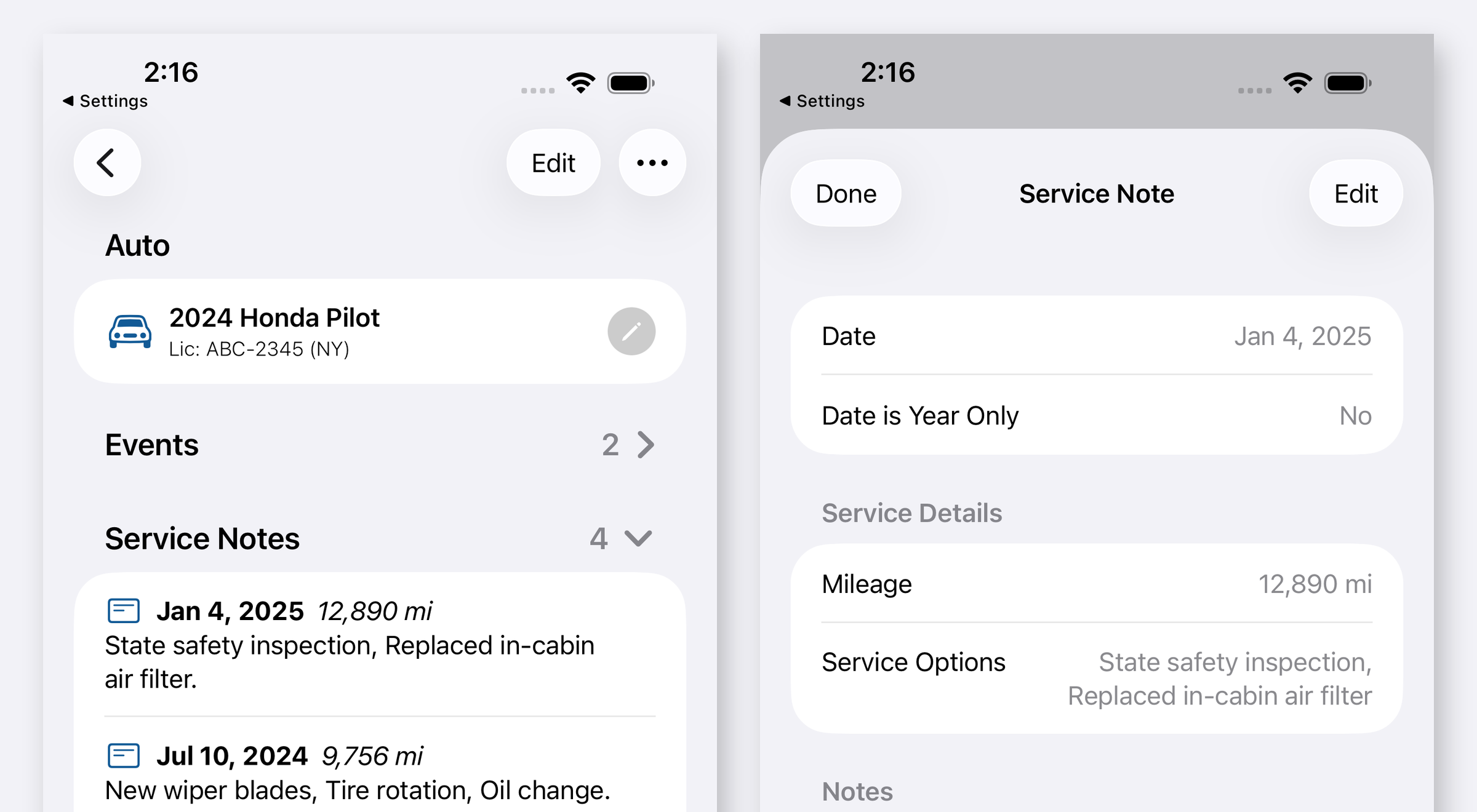
To log car maintenance with Siri on your iPhone, you need a maintenance app that publishes its actions to the system through Apple’s App Intents framework. Once an app does that, you can ask for the action out loud and the service note gets written without the app coming to the front. Auto Care Plus added this in version 1.6.0, which shipped on August 5, 2026, and the same actions appear in Spotlight search and inside the Shortcuts app.
Why it matters comes down to where you are standing when the work actually happens. You are in the lot outside the shop, or in your own driveway with oil on your hands, holding a receipt. That is the one moment you know both the date and the odometer reading. Unlocking a phone, opening an app, finding the right auto, and typing it all in takes about a minute, and a minute is enough to decide to do it later. Later is usually never, so the history ends up with holes in exactly the spots where the expensive work happened.
What you can ask for
Version 1.6.0 publishes a full set of actions to the system. The ones you will reach for most:
- Add an auto. Start a new auto in your garage by voice.
- Add a note. Record what was done, with the date and the mileage.
- Get due reminders. Get back the maintenance coming up rather than opening the app to look.
- Check recalls. Run the NHTSA lookup without opening anything.
- Decode a VIN. Read back what a VIN actually says about the auto.
- Add a reminder, add an event, get upcoming events, log mileage, get mileage, open an auto. The rest of the set, all available in the same three places.
Those are the same actions everywhere. Siri, Spotlight, and Shortcuts are three doors into one set of capabilities, which is how App Intents works: the app declares what it can do, and the system decides where to offer it.
Setting it up on your iPhone
- Update the app. You need 1.6.0 or later. Check the App Store updates tab, or open the app and look at the version in Settings.
- Ask Siri once, naming the app. Hold the side button, or use your wake phrase, and ask for the action by name along with Auto Care Plus. Naming the app in the request is what tells Siri whose action you mean, and it matters more than usual here because several maintenance apps use similar words.
- Answer the follow up. Siri asks for whatever it still needs, like which auto or how many miles, then confirms what it wrote.
- Check the entry later. Open the auto and look at the service list. The entry should be there with the date and mileage you gave.
There is nothing to enable in Settings, and no account to connect. The actions are part of the app, so installing the update is the whole setup.
Spotlight, which is faster than talking
Voice is not always right. In a quiet waiting room, or a loud garage bay, Spotlight does the same job silently.
Swipe down on the Home Screen, type the app name, and the app’s actions show up under the result along with your own autos. Tap the action and you are in it. This is often quicker than voice because there is no wake phrase, no listening pause, and no confirmation step to sit through.
Shortcuts, where it gets genuinely useful
The Shortcuts app is where these actions turn into something you did not have before. Open Shortcuts, create a new shortcut, and search for Auto Care Plus. Its actions appear in the list like any Apple action, so you can chain them together with other things your phone does.
Two combinations worth building:
- Log the service and set the next one in a single step. A shortcut can write the oil change entry and create the reminder for the next one, so you never do the second half separately. The reminder side of this is covered in How to Set Oil Change and Car Maintenance Reminders on Your iPhone.
- Put it on a button. Assign the shortcut to the Action button, to Back Tap, or to a Control Center control, and logging a service becomes one press. That is worth doing if you keep records for several autos, which is its own problem covered in How to Keep Maintenance Records for Multiple Cars on Your iPhone.
You can also run a shortcut from an automation, so arriving at a location or disconnecting from CarPlay can prompt you to log something while the visit is still fresh.
What it does not do
Voice does not read your receipt or pull anything from your shop’s system. It writes down what you say. If your mechanic replaced the serpentine belt and you tell Siri you had an oil change, you now have a tidy record of the wrong repair. Say what was actually done, and add the detail in the note.
It also does not replace opening the app. Reading a history, comparing dates, and checking recalls are all better on screen. What voice removes is the friction on the one task you have to do at an inconvenient moment, which is the task people skip.
Why this fits an Apple only app
Building on App Intents is only possible because Auto Care Plus is Apple platforms only, one build covering iPhone, iPad, and Mac. There is no cross platform layer in the middle, so the app can use Apple frameworks the week they arrive rather than waiting for something to wrap them. The longer version of that argument is in Why Auto Care Plus Is Going All In on Apple.
The records themselves stay where they already were. Whatever you log by voice lands in your own iCloud through CloudKit, not on a Moonwink server, and there is still no account to create. That side of it is in A Private Car Maintenance Log That Needs No Account, and the sync behavior across devices is in Why iCloud Sync Matters for a Maintenance Tracker.
What it costs
Auto Care Plus comes with a 30 day free trial, then $1.99 a month or $7.99 a year. Lifetime access is $24.99, a one time purchase with no trial. Voice actions, reminders, recall lookups, export, and unlimited autos are included on every plan.
The takeaway
The reason maintenance records have holes in them is not that people do not care. It is that logging happens at the worst possible moment for typing. Saying it out loud takes about five seconds and works with a receipt in one hand. If you are starting a log from scratch, How to Track Your Car Maintenance on iPhone covers the first week, and How to Check If Your Car Has an Open Recall on Your iPhone covers the one check most owners never make.
Download Auto Care Plus on the App Store
