How to Share Car Maintenance Records With Your Family
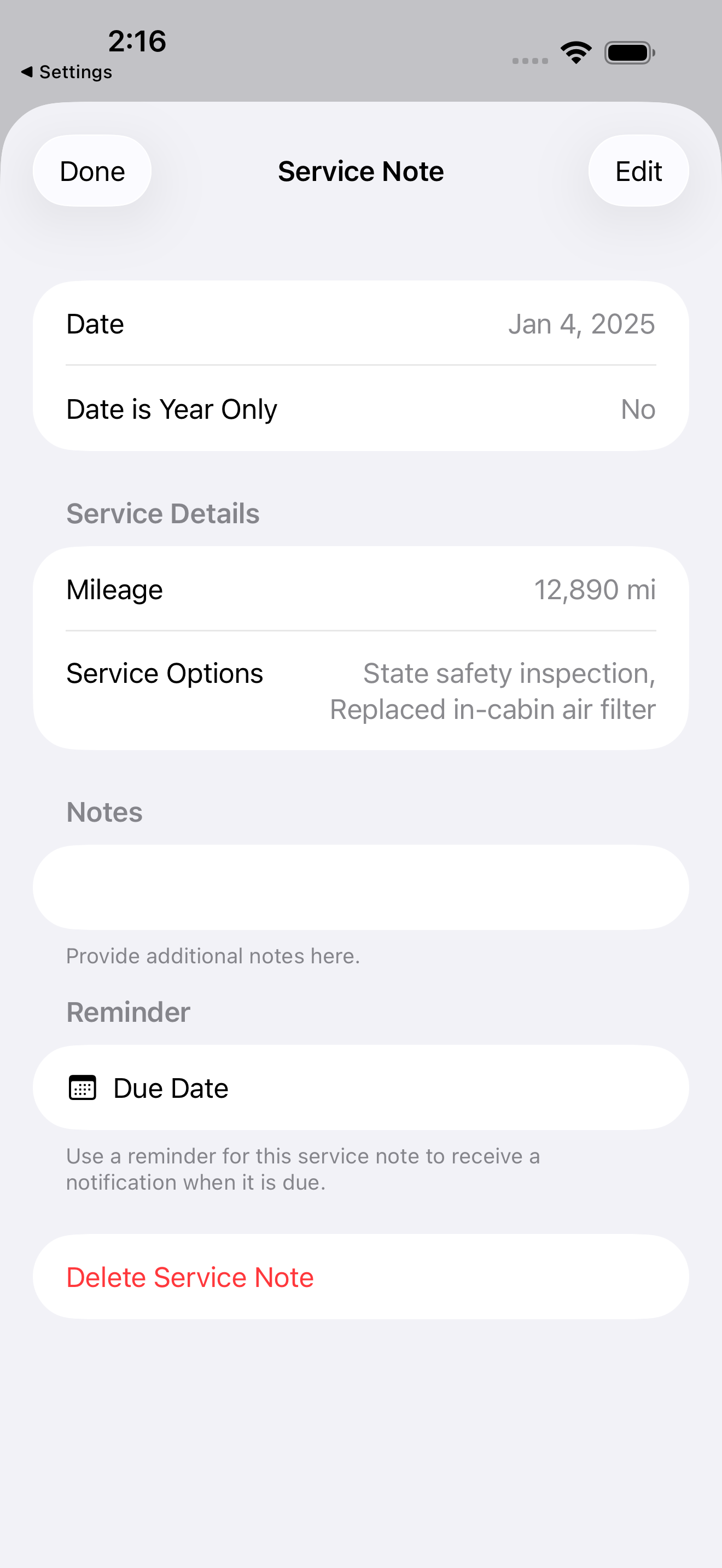
To share car maintenance records with somebody in your family, share the auto itself rather than sending them a copy of the history. In Auto Care Plus you long press the auto in your garage, choose the sharing actions, and send the invitation link to any other iCloud user. The auto then appears in their garage, and from that moment the record runs both directions: a service they log shows up in your history, and a service you log shows up in theirs.
The reason this matters is that most households already share the auto and do not share the record. Your daughter takes it to school and gets the oil changed near campus. Your spouse handles the tires. You are the one who happens to keep a list. Six months later somebody asks when the brakes were last done and there are three partial answers, none of which is the record.
Where the record actually breaks
It is rarely a person refusing to write things down. It is that the record lives somewhere the other person cannot reach.
- The receipt goes in the glovebox of an auto that is parked at somebody else’s apartment.
- The person who paid for the work is not the person keeping the list, so the entry depends on a text message that never gets sent.
- The auto leaves for months at a time with a student or a new driver, and you keep paying the bills without ever seeing the odometer.
- Two people each keep half a history in two different places, which is the same as having none when you are standing at the service counter.
A shared record fixes all four the same way, by removing the handoff. Nobody has to report to anybody.
How to share an auto in Auto Care Plus
- Long press the auto row in your garage. The sharing actions appear there rather than buried in Settings, because sharing belongs to one auto and not to your whole account.
- Choose Copy Share Link. That puts an invitation link on your clipboard. Send it the way you send anything else, by message, by mail, however you two normally talk.
- They open it on their own Apple device. The auto lands in their garage alongside anything they already track.
- Manage Sharing shows you who is on it. Same menu, same auto.
- Stop Sharing ends it. Also the same menu, and it is one action, not a support request.
You can share one auto and not the others. The second auto in the driveway stays yours alone unless you decide otherwise.
What the other person can do
Everything you can do with that auto. They log a service note with the date and the mileage, they see the reminders for what is due next, and they see the recall status. It is one record with two people writing to it, not a read only view you granted somebody.
That is the part that makes it work in practice. A view somebody can only read still leaves the logging to one person, which is the problem you started with. Both people writing means the history gets made by whoever is standing there holding the receipt.
Sharing an auto is not the same as syncing your devices
These two get mixed up, so it is worth separating them.
Syncing is your own records following you between your own devices. Log a service on your iPhone in the garage and it is on your iPad on the couch and on your Mac at the desk, because it all runs through your iCloud account. That side is covered in Why iCloud Sync Matters for a Maintenance Tracker.
Sharing is one auto reaching a second person’s iCloud account. Different people, one auto, both writing.
You want both, and they run at the same time. Your spouse logs the tire rotation on their iPhone, and it reaches your iPad without either of you doing anything about it.
What sharing is not
- It is not a copy. Nothing gets duplicated into a second garage that then drifts out of date. There is one record.
- It is not an export. If what you want is a file to hand somebody, that is a different job and it lives in How to Export and Back Up Your Car Maintenance Records on iPhone.
- It is not an account you both sign into. There is still no account to create. Sharing runs through iCloud, so the records stay in iCloud through CloudKit rather than on a Moonwink server, and I never see them. More on that in A Private Car Maintenance Log That Needs No Account.
- It is not for your mechanic. Shops do not want a shared record in your app, and you would not want to hand out write access to one either. Sharing is built for the people who drive the auto.
When to set it up
Do it the day the arrangement starts, not the day you need the history. The auto leaving with a student in late August, the second auto a couple starts splitting, the parent whose auto you now look after. In every one of those, the record is about to start getting made in two places, and one long press is all it takes to keep it in one.
If there is more than one auto involved, the wider setup is in How to Keep Maintenance Records for Multiple Cars on Your iPhone, and if you are starting from nothing, How to Track Your Car Maintenance on iPhone covers the first entry.
What it costs
Auto Care Plus comes with a 30 day free trial, then $1.99 a month or $7.99 a year. Lifetime access is $24.99, a one time purchase with no trial. Sharing, unlimited autos, reminders, recall checks, and export are included on every plan. The person you share with needs an Apple device and an iCloud account.
The takeaway
An auto that two people drive should not have a history that only one person can see. Sharing the auto rather than reporting on it means the entry gets made by whoever did the work, at the moment they did it, which is the only version of record keeping that survives a year. Then when somebody asks when the brakes were last done, there is one answer and both of you are looking at it.
Download Auto Care Plus on the App Store
